
1. Install Geopapa on the parent’s phone
Use the App Store or Google Play links on this website. Open Geopapa and follow the account setup instructions. Choose the option to connect a child.
2. Open the child connection flow
Geopapa shows a connection code and installation instructions for the child’s companion app. On supported Android flows you can also use the QR code or installation link displayed in the parent app.
3. Enter the code on the child’s phone
Install the companion app and enter the code from Geopapa. If a code has expired, generate a new one in the parent app. Keep this code within your family.
4. Review permissions together
Enable location and the requested background location access on the child’s phone. Allow parent notifications for messages and place alerts. Microphone access is for sound features on supported Android devices; review it separately.
5. Check the first update
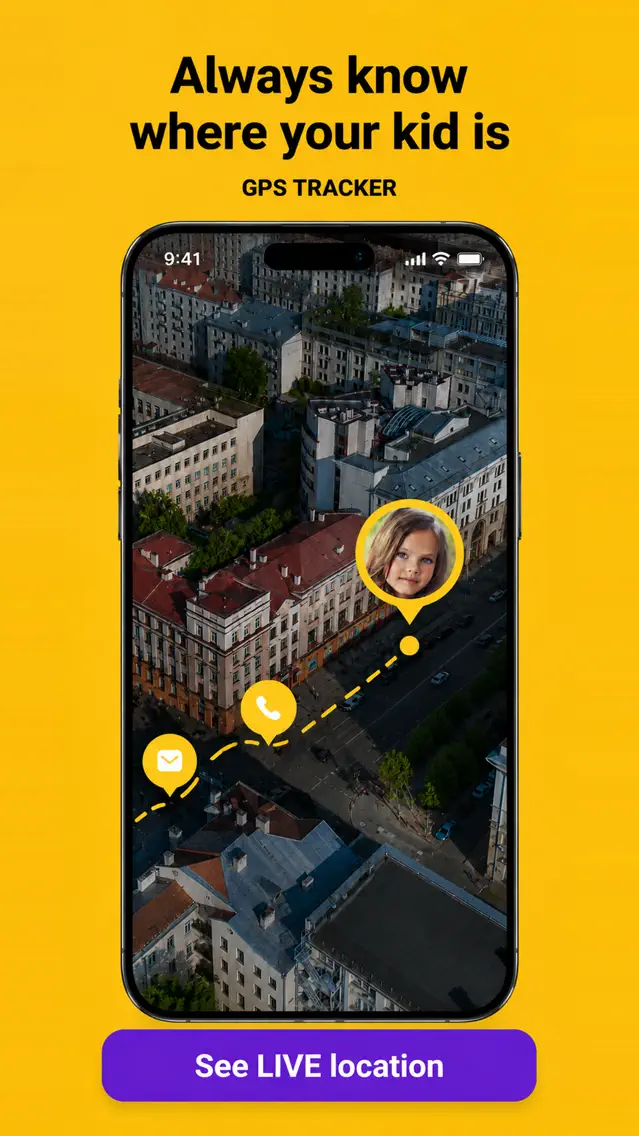
Open the parent map and confirm that the connected child appears. Check the time of the location update. Add one familiar place and review the alert settings before relying on your routine.
Device setup instructions